
Note: Only Owners and Admins can deactivate or delete users.
TL;DR:
Deactivate a user to disable their access while preserving their data. Delete a user to permanently remove all data. These actions require Owner or Admin access.
Steps to Deactivate or Delete a User
-
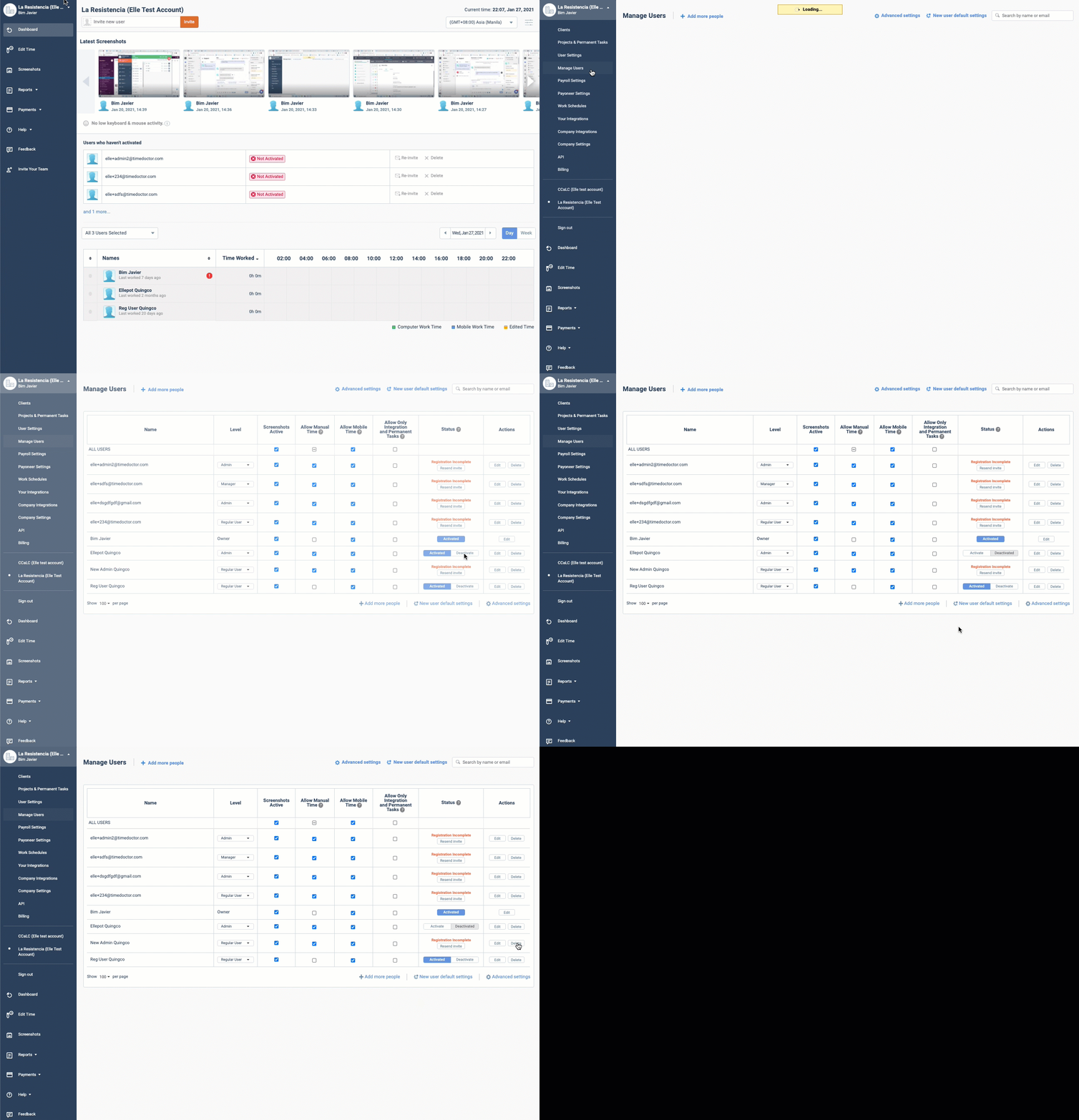
Go to Settings / Users.
-
Locate the user account to update.
-
To deactivate the user:
-
Under the Status column, click Deactivate.
-
The user's access will be disabled, but all data (reports, screenshots, settings, etc.) will remain in the system.
-
-
To delete the user permanently:
-
Under the Actions column, click Delete.
-
All user data will be permanently removed from the system.
-
Should there be any inconsistencies or concerns regarding the article, contact support@timedoctor.com for prompt assistance.