
TL;DR:
Clients can log in to Time Doctor using a unique URL, email, and password provided by the company. This allows access to view tracked work time and screenshots related to the client’s project.
Clients of companies using Time Doctor can access time tracking data relevant to their projects. This includes viewing screenshots and breakdowns of time spent, either by project or by person, over a selected date range.
Requirements
To access the Client Login portal, obtain the following three details from the company providing the service:
-
Login URL
-
Email address used to create the client login
-
Password assigned by the company
Tip: If any of this information is missing, request it directly from the company. Link this article in the request, if helpful.
Logging In
-
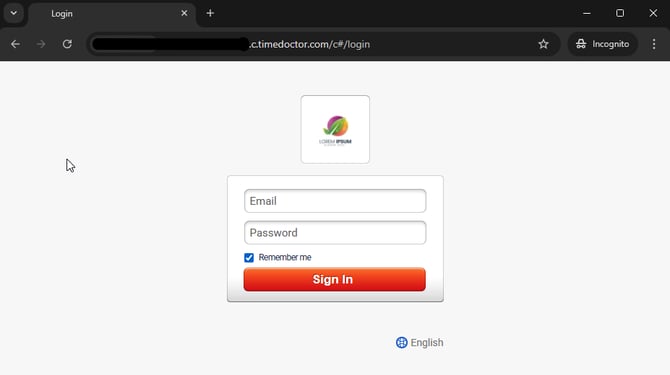
Enter the Login URL into a browser.
-
The Client Login page will appear.
-
Enter the email address and password provided.
-
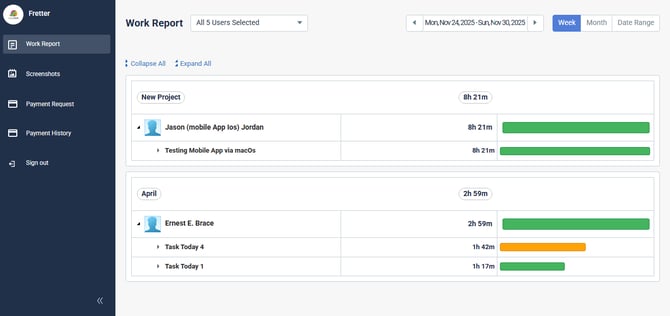
Upon logging in, access the dashboard to:
-
View screenshots
-
Review time usage breakdowns
-
Filter by person or project
-
Select a custom date range
-
Should there be any inconsistencies or concerns regarding the article, contact support@timedoctor.com for prompt assistance.